Enclosure Diagrams

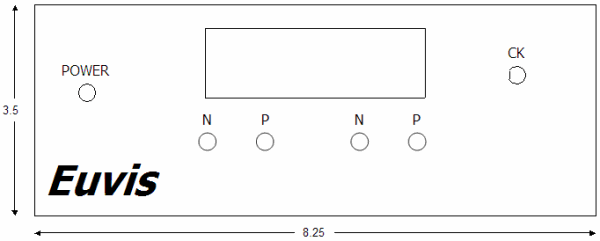
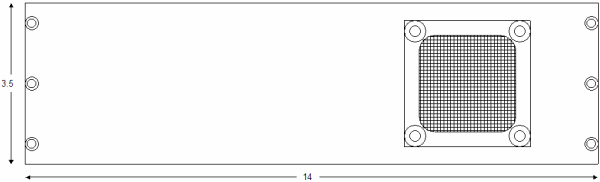
AWG452/801 Front Panel
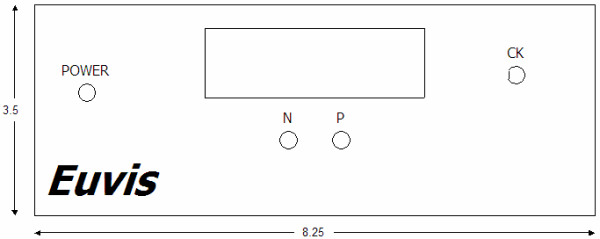
Single Front

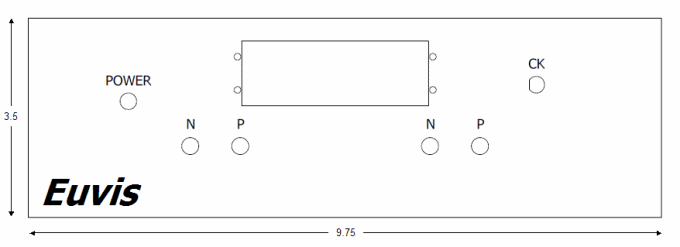
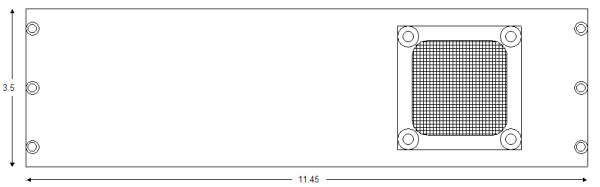
AWG472 Front Panel

Dual Front

AWG872 Front Panel

872 Front

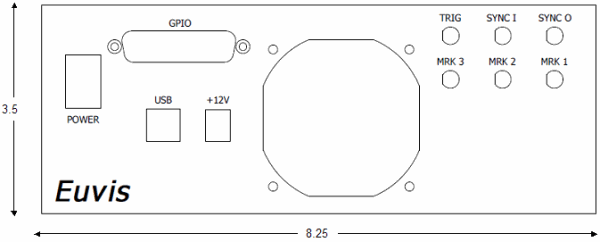
AWG452/472/801 Back Panel

Back

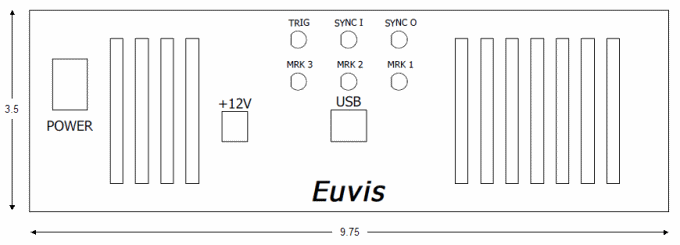
AWG872 Back Panel

872 Back

AWG452/472/801 Side Panels

Side

AWG872 side Panels

872 Side 

AWG272 Board Layout

Board Diagram

 
Description
P / N (SMA)

SMA connectors for output waveforms. They should be connected to an oscilloscope and a spectrum analyzer. If only using one output, please terminate the unused output with a 50 ohm termination.

 
CK (SMA)


SMA connector for input clock. Please connect to a clock source with minimum power of 0 dBm.

TRIG (SMA)

Optionally connect a trigger signal source to the AWG board. For more information on synchronization, please go to the Synchronization section.

SYNCI (SMA)


SMA connector for SYNCI signal input. Part of the synchronization process. For more information on synchronization, please go to the Synchronization section.

USB receptacle


Please use a type-B USB cable to connect the AWG to your computer any time after you have installed the Software and Drivers.

+12V 


Barrel plug for the included +12V AC power adapter. For more information on setting up the plug, please go to the Power Plug section.

Power Switch

Toggles power on the module between On (I) and Off (O).

SYNCO (SMA)


SMA connector for SYNCO signal output. Part of the synchronization process. For more information on synchronization, please go to the Synchronization section.

MARKERS (SMAs)


SMA connectors for Marker signal outputs. Up to three different markers can be output every time a waveform is output. For details, please see the discussion of how to set the Markers in the waveform panel of the GUI. 

Power LED

Indicates the power status of the module.

Off: AC adapter is not connected.

Red: AC adapter is connected but the power switch is in the off position.

Yellow: Module is powered on.

Note: Some modules may refer to SMA connectors differently (i.e. OUTP = P = OP; CKIP = CK; etc...)