Consoles
The consoles are located on the right side of the AWG application window. From the consoles, you can enter commands and see the last commands entered. This is useful to test your commands when preparing to write your own custom application, but it is not necessary to use the consoles if you simply use the functions in the left side of the graphical user interface.
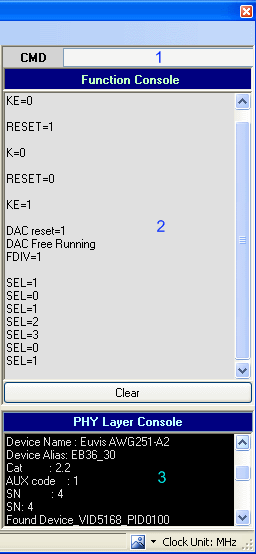
- Function Command Line
- Function Console
- PHY Layer Console
Function Command Line

You can manually enter commands to control the AWG here. This is also useful
when you are writing your own application and want to test if your sequence
of commands will work.
Function Console
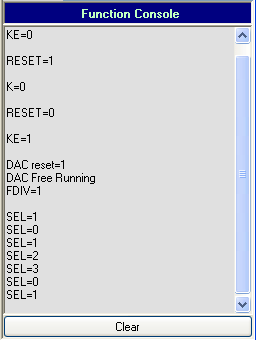
Displays commands that have been entered into the AWG. Only available if
Function Console Response in
Preferences is checked.
PHY Layer Console
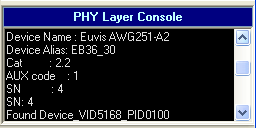
Displays device and firmware information from the AWG. Only available if
PHY Console Response in Preferences is checked.