Example 3 : Ramp
This example will show you how to create a ramp waveform. Ramps are a good way to test the normal functioning of the AWG.
Click on the Waveform tab. In that panel, make sure that the Waveform Code is set to "31". This is the code for a ramp waveform.
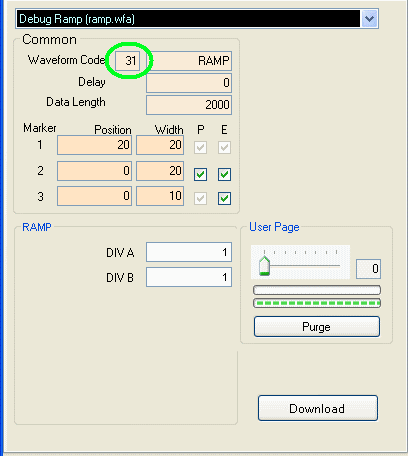
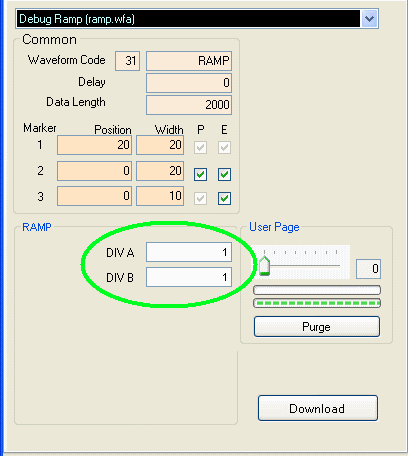
You should see that in the Waveform Type box it will say "RAMP". On the bottom you will see two boxes: DIV A and DIV B. The AWG
produces a ramp by multiplying the data point index by the A/B slope factor and the amplitude resolution of the DAC,
which is 4096 for the AWG252 and AWG452 and which is 2048 for the AWG801. If you
wanted a ramp with a high slope then you would have A/B greater than 1. If you wanted a ramp with a low slope then you would have A/B
less than 1.
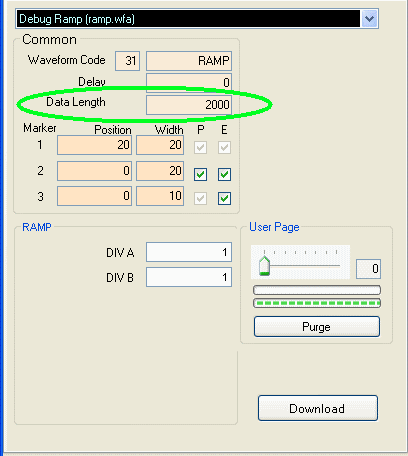
You can also change the number of points that the waveform will have per cycle. To do this, change the Data Length to the number
of points you want.
Please note that the
Data Length is specified in hexadecimal, and it should be a
multiple of 20 (hex). For more information on Data Length, please see the
Data Length page.
Press the Download
button (at the lower right corner of the waveform panel). You
must press the Download button each time you finish changing the parameters.
Press the Restart button as needed to restart the waveform.