Menus -
Menu Strip

The menu strip consists of 3 drop down menus: File, PHY, and Help.
File
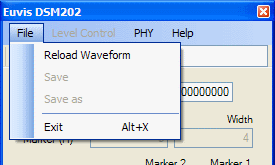
Only the Exit item in the menu has any significant function. Choosing Exit will terminate the application.
*If waveform storage is a desired capability, see the DSM303
PHY
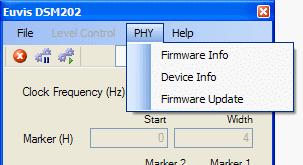
The PHY menu consists of 3 menu items: Firmware Info, Device Info, and Firmware Update.
Firmware Info
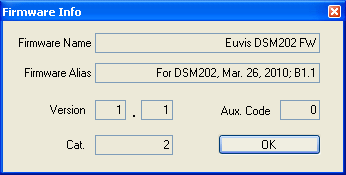
Selecting "Firmware Info" will bring up the "Firmware Info" Window. If the values in the fields do not appear or appear with different values, then the DSM202 module has firmware problems and needs to be reflashed.
Device Info
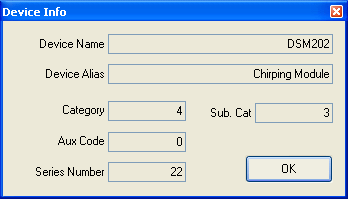
Selecting "Device Info" will bring up the "Device Info" Window. This window informs the user of the module name. Each DSM202 is given a unique series number in order to identify that particular module device. This window is helpful in assessing if the DSM202 module is operational. If the fields read back unintelligible values, there may be firmware issues.
Firmware Update
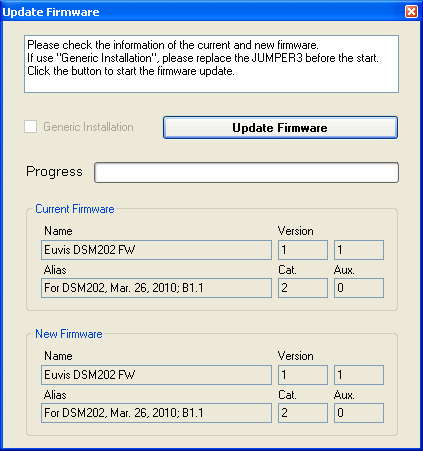
The "Firmware Update" menu item is used to check for the most recent firmware. Also, you may check the Euvis website for the newest GUI and firmware releases for this module.
Help
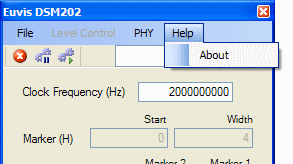
The "Help" menu contains the "About" menu item.
About
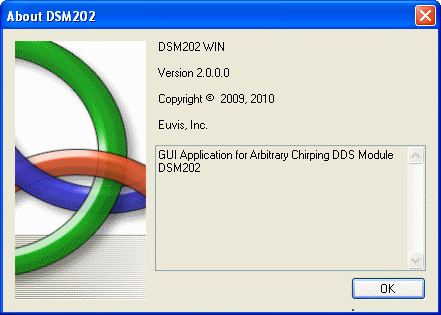
The "About" window contains the information of the GUI application.